

Seedance 2.0 is one of the most discussed AI video models in 2026. This Seedance 2.0 deep dive focuses on what creators actually need: verified capabilities, pricing context, access paths, and practical usage patterns.
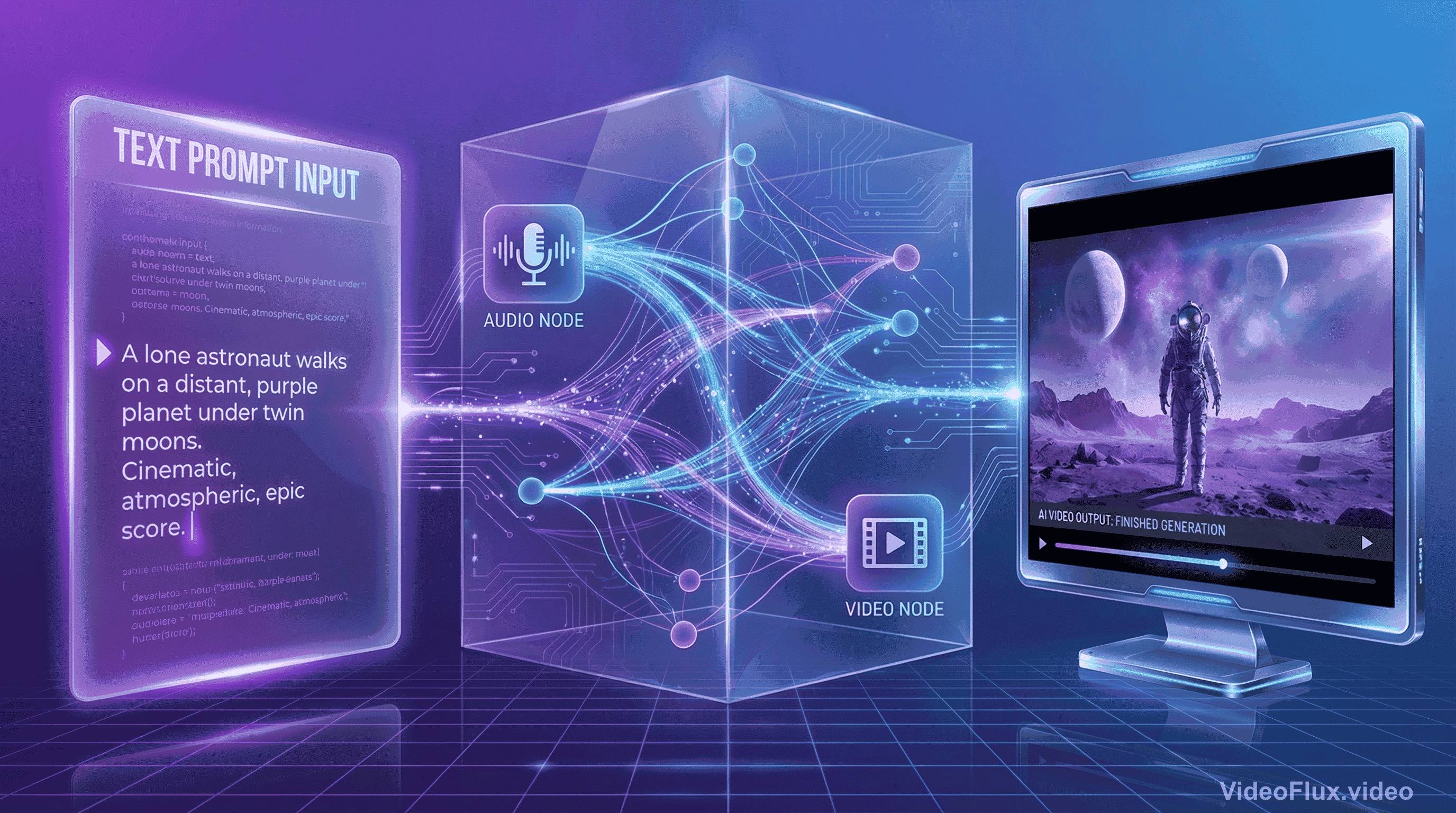
The most verifiable public claim is the 15-second multi-shot output and multimodal reference workflow. What matters most in the official launch language is this: Seedance 2.0 is described as a unified multimodal audio-video joint generation model, not a video-first pipeline with audio added later.
Here's why this architectural choice is important in practical workflows.
Seedance 2.0 and the Audio-Video Sync Problem
A common challenge in AI video generation is that many pipelines handle sound after visual generation. A typical pipeline looks like this:
- Generate video frames based on your prompt
- Analyze what happened in those frames
- Add audio that "matches" the visual content
- Hope the lip-sync doesn't look like a badly dubbed kung fu movie
Humans process visual and audio streams together. When they are out of sync, perceived quality drops quickly.
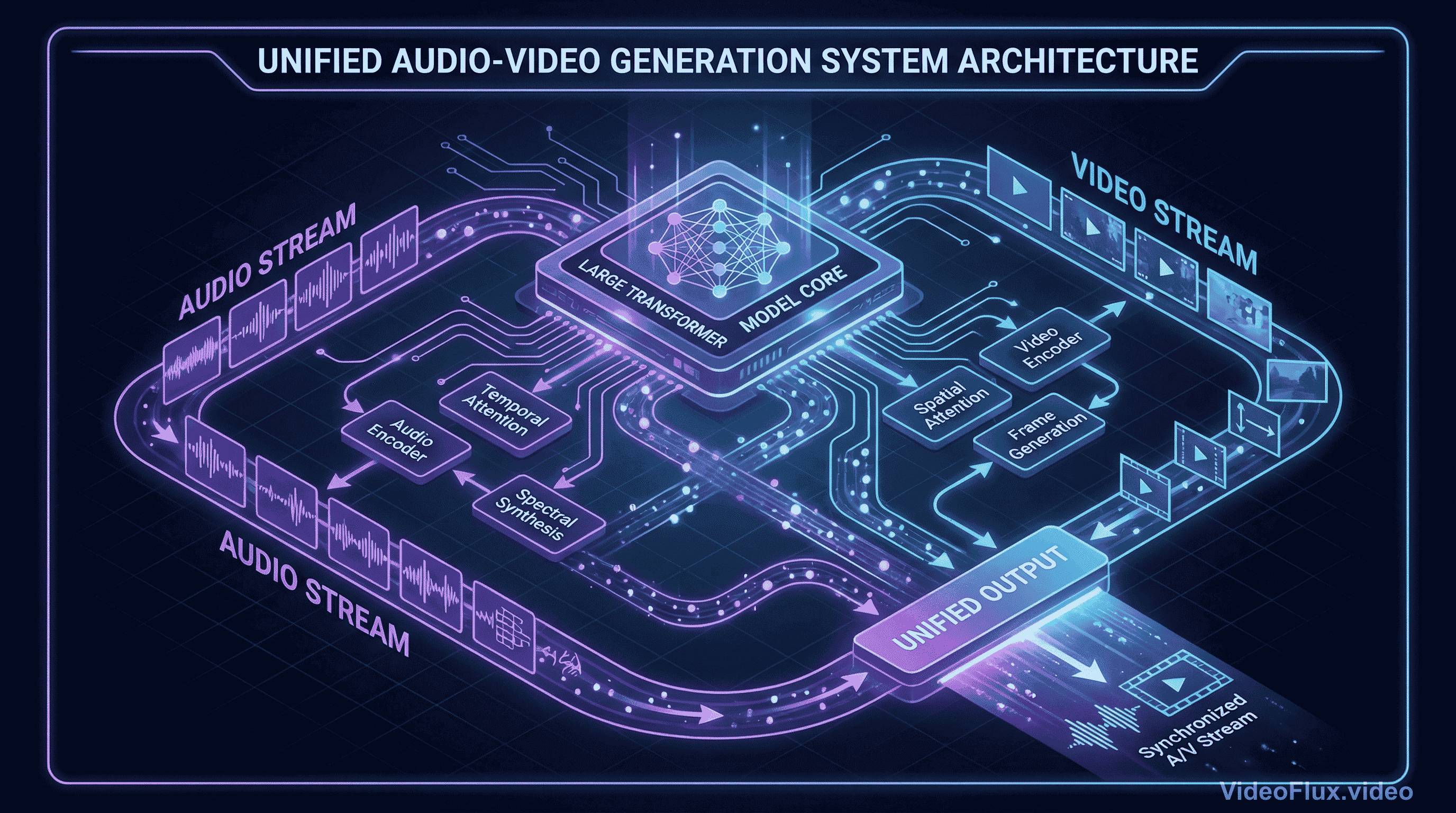 Figure 1: Concept illustration of joint audio-video generation
Seedance 2.0 is officially presented by ByteDance Seed as a unified multimodal audio-video joint generation system that supports text, image, audio, and video inputs. ByteDance's launch post also states mixed-reference input up to 9 images, 3 video clips, and 3 audio clips.
In practical terms, joint audio-video generation should reduce audio-visual drift compared with strictly sequential pipelines, but the exact quality delta still depends on prompt design and platform implementation.
Seedance 2.0 @ Reference Workflow
Now, about that @ reference system everyone's glossing over. On the surface, it seems like syntax sugar - a nice way to tag elements in your prompt:
@character(girl.jpg) walks through @setting(cyberpunk_street.png)
while @music(synthwave.mp3) plays in the background
The source-backed takeaway is: reference-driven prompting is central to Seedance 2.0 workflows.
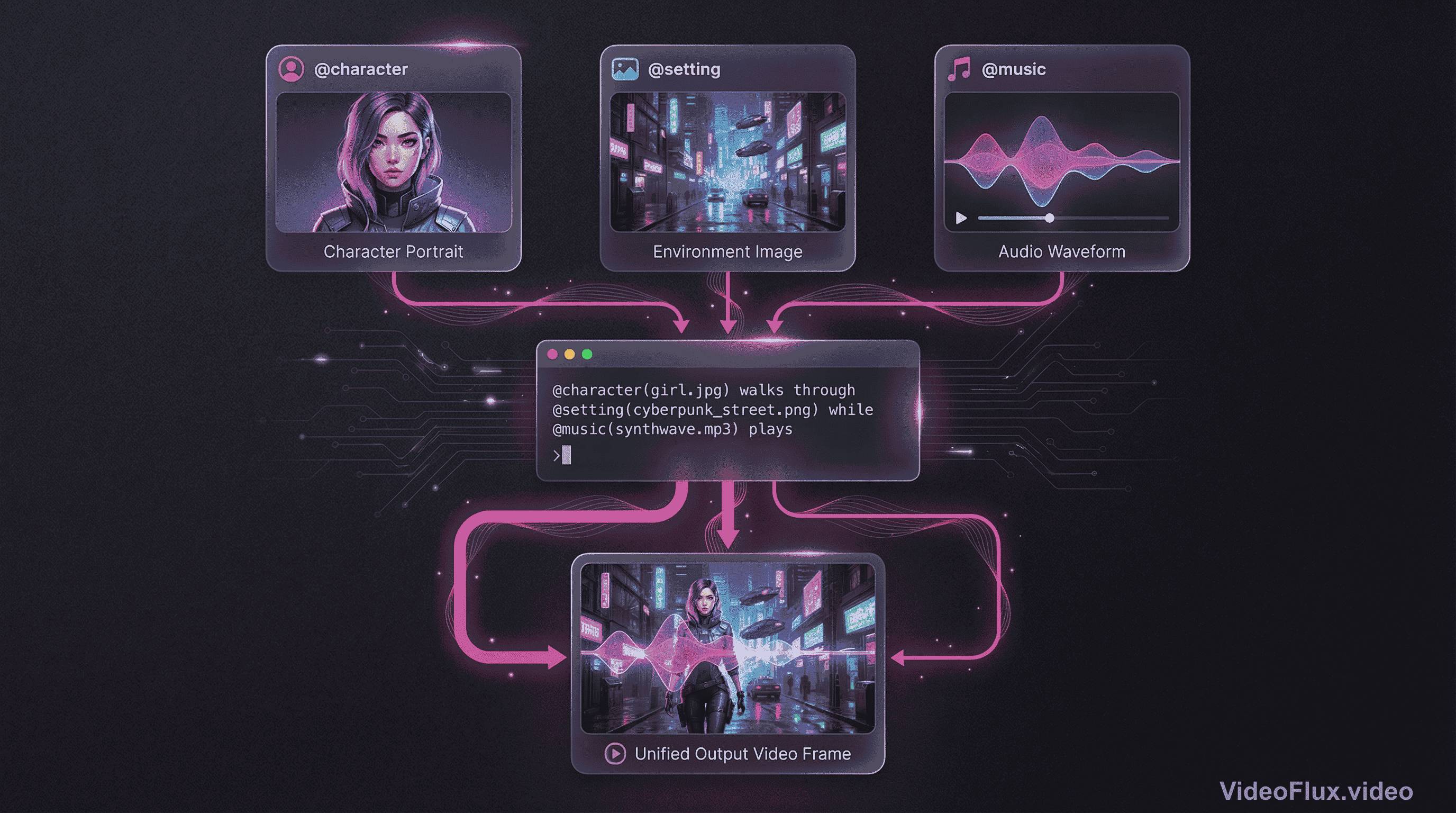 Figure 2: Reference-prompting example
Traditional text-to-video feels like shouting instructions through a wall. "Make it more cinematic!" More what, exactly? More lens flare? Slower motion? Desaturated colors? The model interprets your intent through layers of abstraction, often guessing wrong.
The @-style workflow gives you direct handles on references. Instead of relying only on descriptive text, you can anchor character, scene, and audio intent with explicit assets.
For example, public Seedance 2.0 launch materials describe mixed input up to 9 images + 3 videos + 3 audio clips. That kind of input budget is useful for brand and character consistency workflows.
For professional work, this can reduce ambiguity in prompt interpretation. Results still vary by scene complexity, but references generally improve repeatability.
Seedance 2.0 Multi-Shot Generation Workflow
The 15-second duration is a real product constraint in current public documentation.
ByteDance's launch notes emphasize multi-shot output and controllable extension/editing. In practice, this is most useful when prompts are written as explicit shot sequences instead of single-scene descriptions.
Here's a concrete example scenario. Prompt: "A chef prepares a dish, tastes it, and smiles at the camera." Sounds simple, right?
A practical way to use Seedance 2.0 here is to write the scene as three explicit beats:
- Wide shot: chef working at station (establishing context)
- Close-up: tasting with thoughtful expression (emotional beat)
- Medium shot: turning to camera with smile (payoff)
Transition smoothness, continuity, and pacing quality should be validated case-by-case with fixed prompt tests.
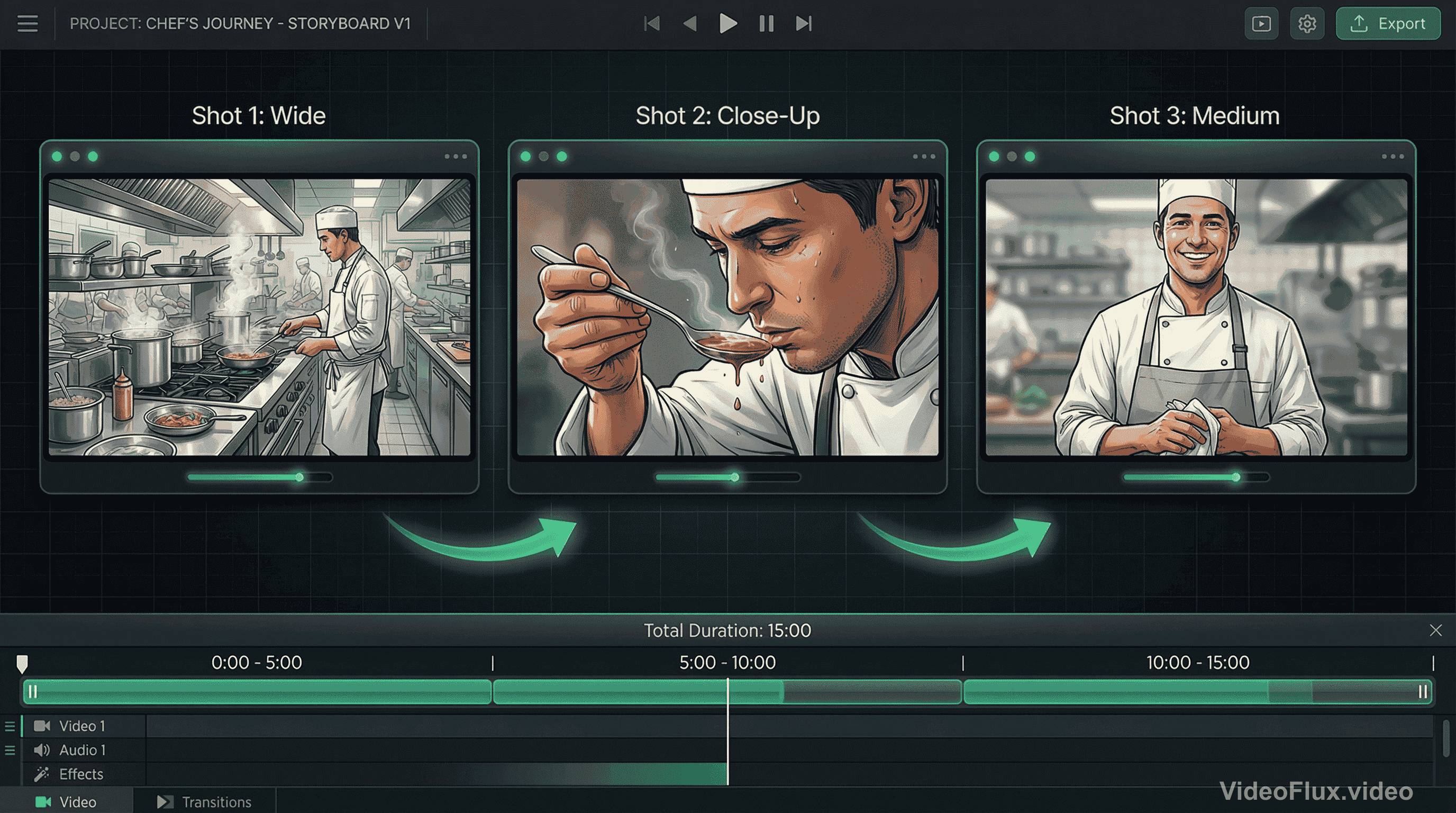 Figure 3: Multi-shot sequence example
For creators, this can reduce manual assembly work when a single output already contains coherent shot changes.
Seedance 2.0 Physics and Long-Duration Consistency
Public primary sources do not provide a neutral cross-vendor benchmark that conclusively ranks physics quality across Seedance 2.0, Sora 2, Veo, and Kling.
Sora 2 is officially described by OpenAI as improving physics accuracy and synchronized audio versus prior systems. ByteDance similarly claims large physics and motion gains for Seedance 2.0 versus 1.5. Without a shared independent benchmark protocol, these claims should be treated as vendor-reported.
The 15-second limit is also real in public docs. Longer sequences typically require chaining or extension workflows and should be tested for continuity.
Availability is clearer in official launch notes: Seedance 2.0 was launched on Dreamina, Doubao, and Volcano Engine Model Ark experience channels. Separately, fal.ai announced Seedance 2.0 availability and API access on its own platform.
This matters if you're building production workflows around specific models. Banking on Seedance 2.0 for critical projects means accepting geographic and platform constraints that might not fit your needs.
Seedance 2.0 Comparison Framework (Objective Testing)
Instead of fixed rankings, use the same prompt suite and scoring rubric across models.
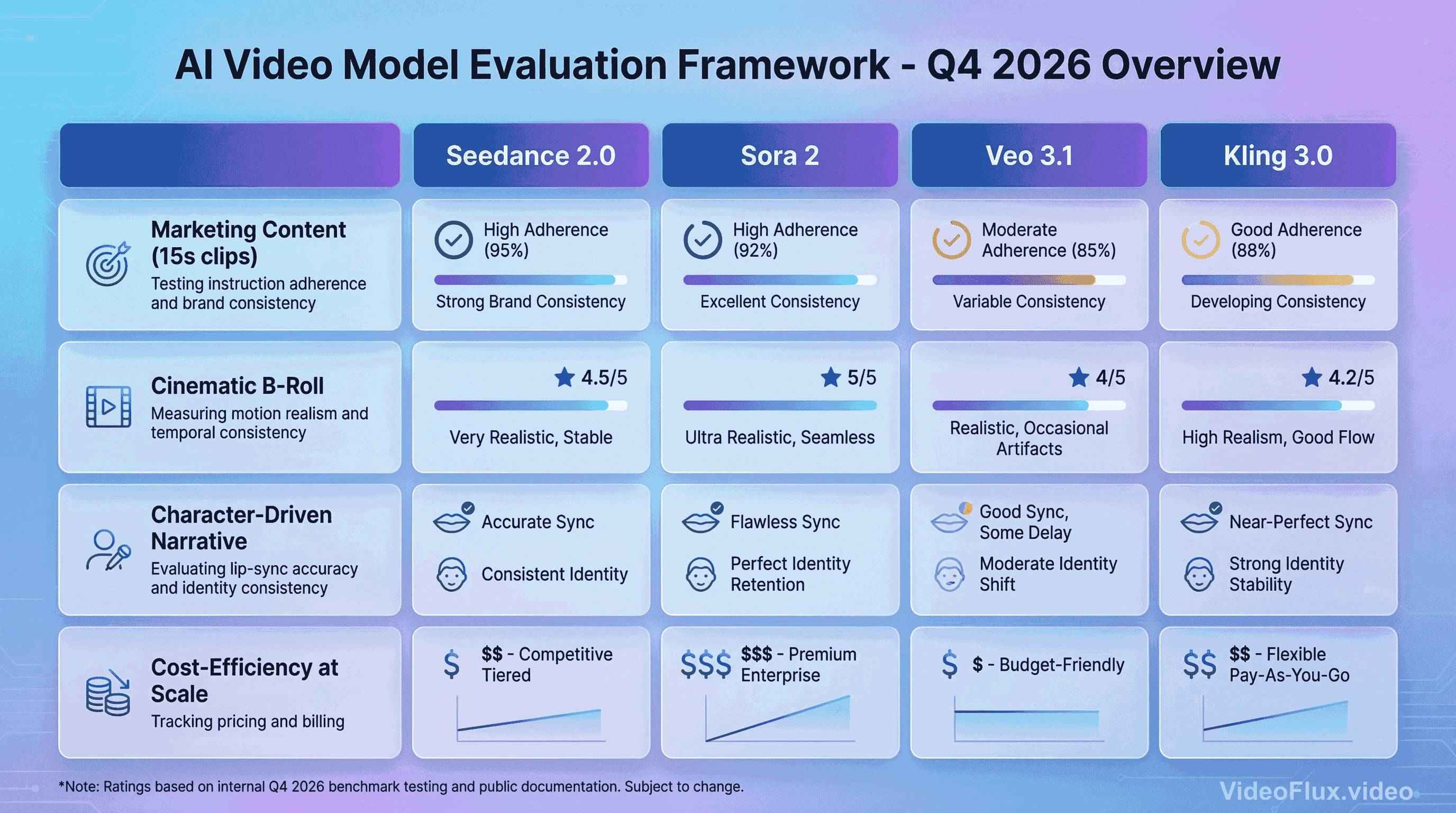 Figure 4: Comparison placeholder (illustrative image, not benchmark output)
For Marketing Content (15s social media clips): Measure instruction adherence, brand consistency, and sync quality with repeated runs.
For Cinematic B-Roll: Compare motion realism, artifact rate, and temporal consistency under identical camera-language prompts.
As of March 8, 2026, Google Vertex AI lists Veo pricing at multiple tiers, including $0.20/s for Veo 3.1 video generation (720p/1080p) and $0.40/s for Veo 3.1 video+audio generation (720p/1080p), with separate 4K rates.
For Character-Driven Narrative: Test lip-sync accuracy, dialogue clarity, and identity consistency over multiple shots.
For Cost-Efficiency at Scale: Track provider billing using current official pricing pages and rerun estimates monthly, since rates and packaging can change.
What Seedance 2.0 Means for Video Creators in 2026
The strategic question isn't "which model is best?" - it's "which model fits my specific workflow and content type?"
Creators who lock themselves into single-model workflows often struggle when that model's weaknesses align with their project needs. The smarter approach is multi-model fluency.
For example, a typical multi-model workflow might look like this:
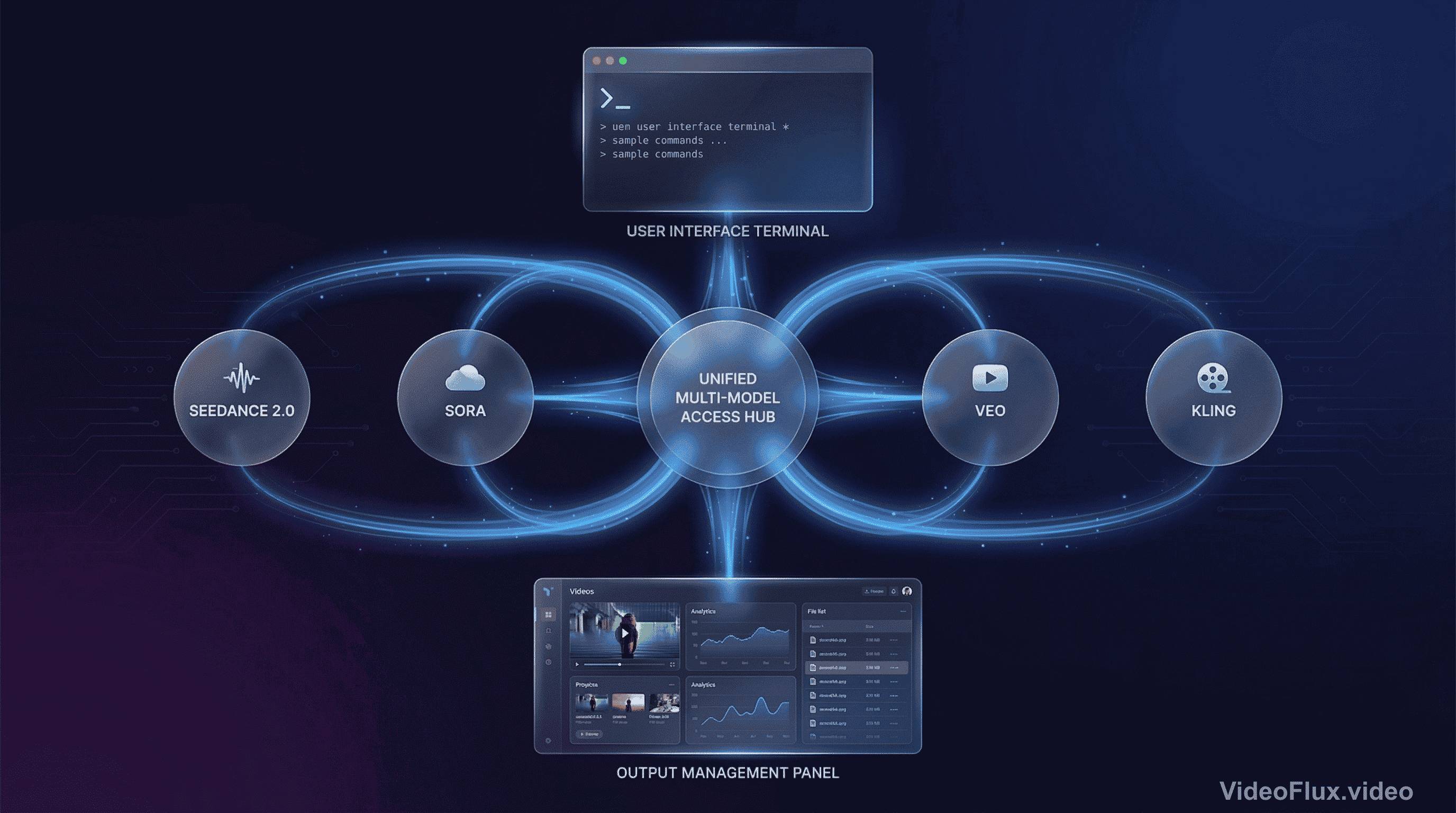 Figure 5: Multi-model workflow concept
- Concept testing: Kling 3.0 (fast, cheap iteration)
- Character development: Seedance 2.0 (consistency, lip-sync)
- Hero shots: Veo 3.1 (maximum quality for key frames)
- Physics-heavy scenes: Sora 2 (liquids, fabrics, complex interactions)
Each model has different constraints and strengths. The safest workflow is evidence-driven model selection per task.
The bigger trend emerging in 2026: we're moving from "prompt engineering" to "reference orchestration." Text prompts will always matter, but the future belongs to models that let you compose scenes from multiple modalities. Upload a product image, a brand style guide, a voiceover track, and a motion reference video - then let the model synthesize them into coherent output.
Seedance 2.0 clearly reflects the broader shift toward multimodal reference orchestration, especially for short-form, reference-heavy creation.
Seedance 2.0 Practical Tips
If you're experimenting with Seedance 2.0, here are some practical recommendations based on the model's architecture:
1. Front-load your reference materials. Don't treat the @ system like optional metadata - it's your primary control surface. Spend time curating reference images that truly capture what you want.
2. Structure prompts for multi-shot thinking. Instead of "a person walking," try "wide shot of a person entering a room, then close-up of their surprised expression, then over-shoulder view of what they're seeing." Give the model explicit shot structure.
3. Audio references are underutilized. Most people skip the audio input because they don't have perfect tracks. Use placeholder audio with the right pacing and emotion - the model adapts surprisingly well.
4. The 15-second limit is a feature, not a bug. Work with it. Micro-narratives force you to think about essential storytelling beats. Radical scene simplification often yields better results than cramming too much into one clip.
5. Chain strategically. If you need longer sequences, design natural transition points. A character turning away, a camera pan, a lighting change - these hide the seams better than arbitrary cuts.
Seedance 2.0 Bottom Line
Seedance 2.0 is not a complete replacement for every video workflow. It is most defensible to treat it as a strong option for short-form, multimodal-reference, audio-video-synced generation tasks.
The audio-video joint generation approach is now explicitly present in multiple leading model roadmaps, and Seedance 2.0 is a notable public implementation from ByteDance.
If your workload depends on short-form outputs with multimodal references, Seedance 2.0 is worth direct testing. If your workload depends on long-form continuity, run side-by-side trials before committing.
Reference-driven control and native audio generation are becoming core requirements in modern AI video workflows.
We're still early in this technology curve. The practical question is not exclusive model loyalty, but how to integrate each model where it is measurably strongest.
And that's exactly what we're building at VideoFlux - giving you access to multiple models and orchestration tools for production workflows.
Want to try Seedance 2.0 and other video generation models? VideoFlux provides unified access to Sora, Veo, Kling, and Seedance through a single platform.
Further Reading
- ByteDance Seed: Official Launch of Seedance 2.0
- ByteDance Seed: Seedance 2.0 Product Page
- What Is Seedance 2.0? A Guide With Examples | DataCamp
- Google Vertex AI Generative AI Pricing
- OpenAI: Sora 2 Is Here
- OpenAI: Sora 2 System Card
- fal.ai: Seedance 2.0
Seedance 2.0 FAQ
What is Seedance 2.0?
Seedance 2.0 is ByteDance Seed's 2026 video generation model with multimodal input support (text, image, audio, video) according to official product materials.
Is Seedance 2.0 good for short-form video?
Seedance 2.0 is positioned around short-form generation with 15-second multi-shot output in public launch documentation.
Does Seedance 2.0 support reference-based prompting?
Seedance 2.0 launch and product pages emphasize multimodal references, including mixed image/video/audio inputs.
How should teams evaluate Seedance 2.0 vs other models?
Use fixed prompts, repeated runs, and measurable scoring (sync quality, consistency, instruction adherence, artifacts, and cost).